Sample Brand Template

Section 01

Brand message area

このエリアには、ブランドメッセージやコンセプトなど、用途に合わせた導入文を配置できます。

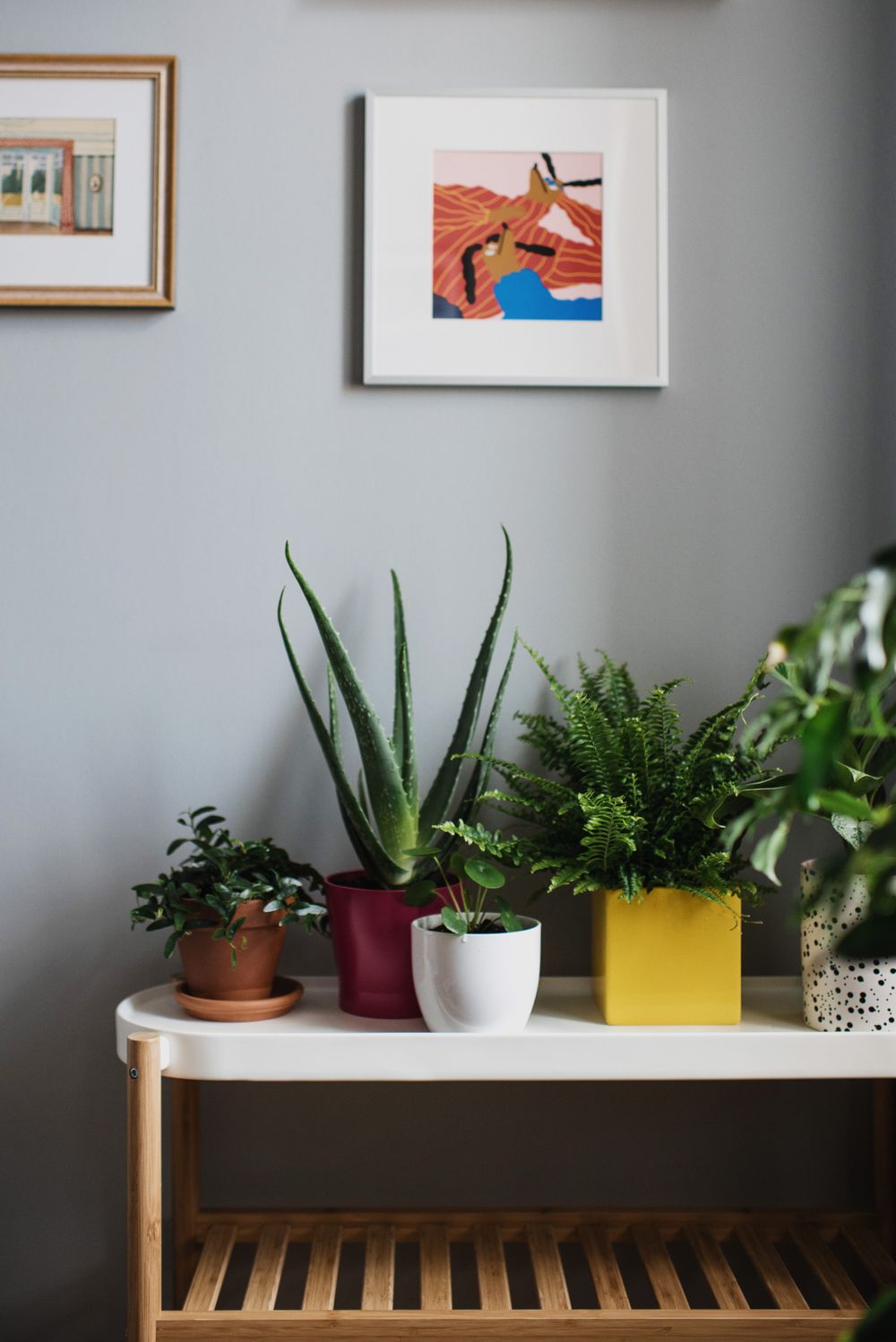
section-01-outer-01
800 × 1000 px
Placeholder image for section 01
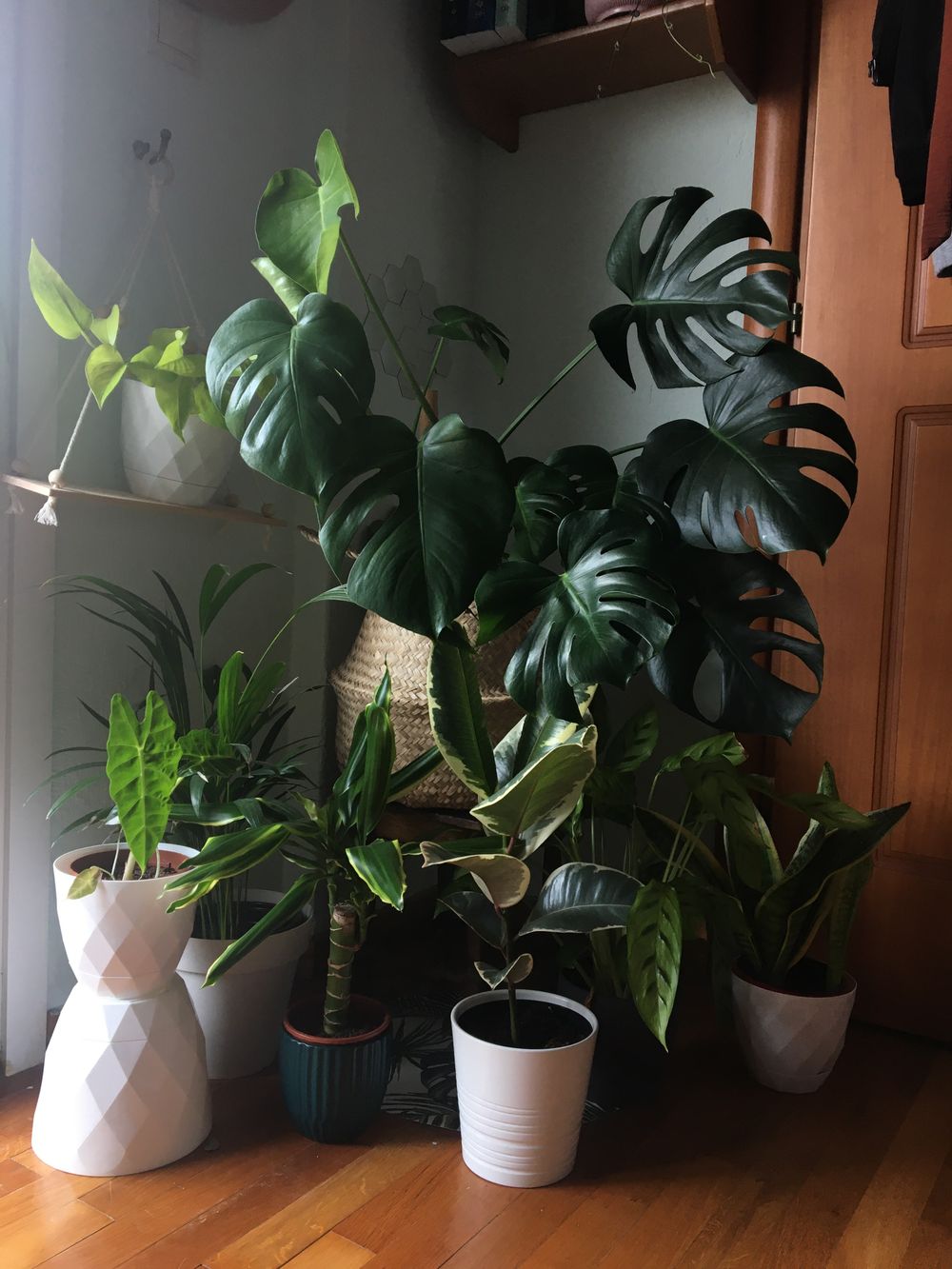
section-01-outer-02
1000 × 800 px
Placeholder image for section 01
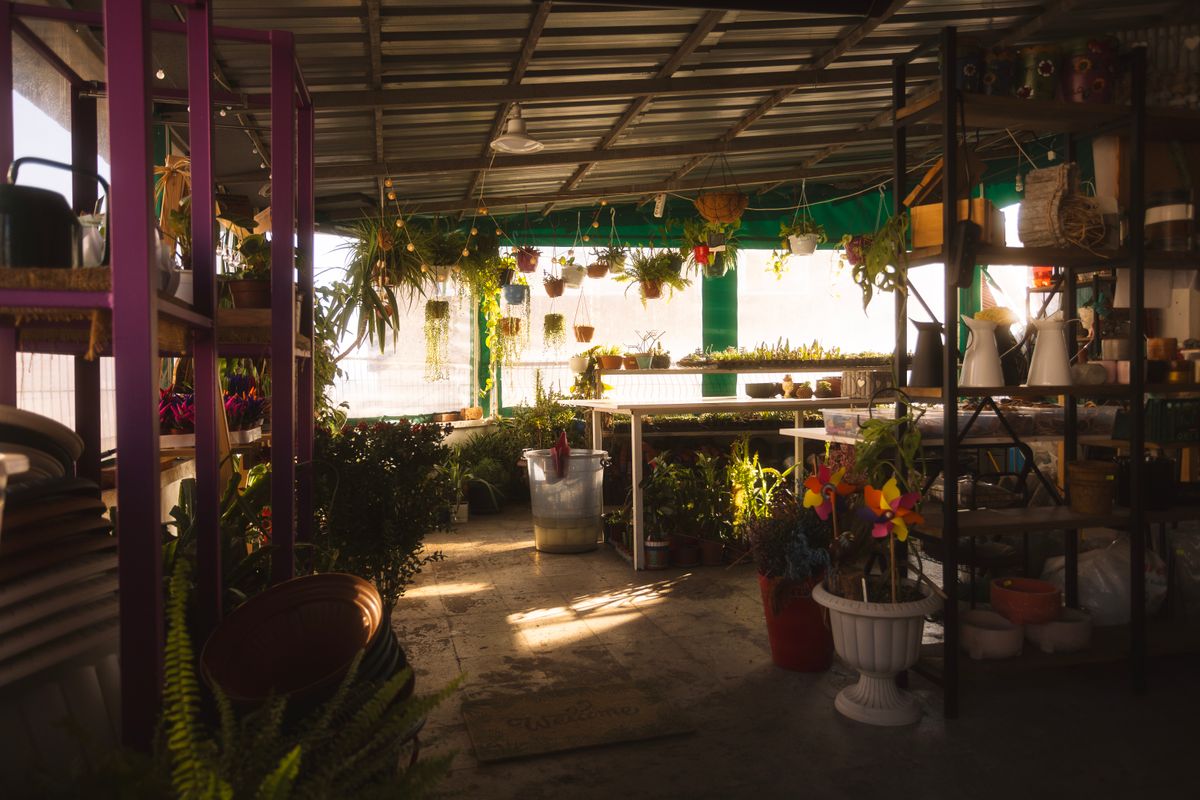
section-01-outer-03
1000 × 800 px
Placeholder image for section 01
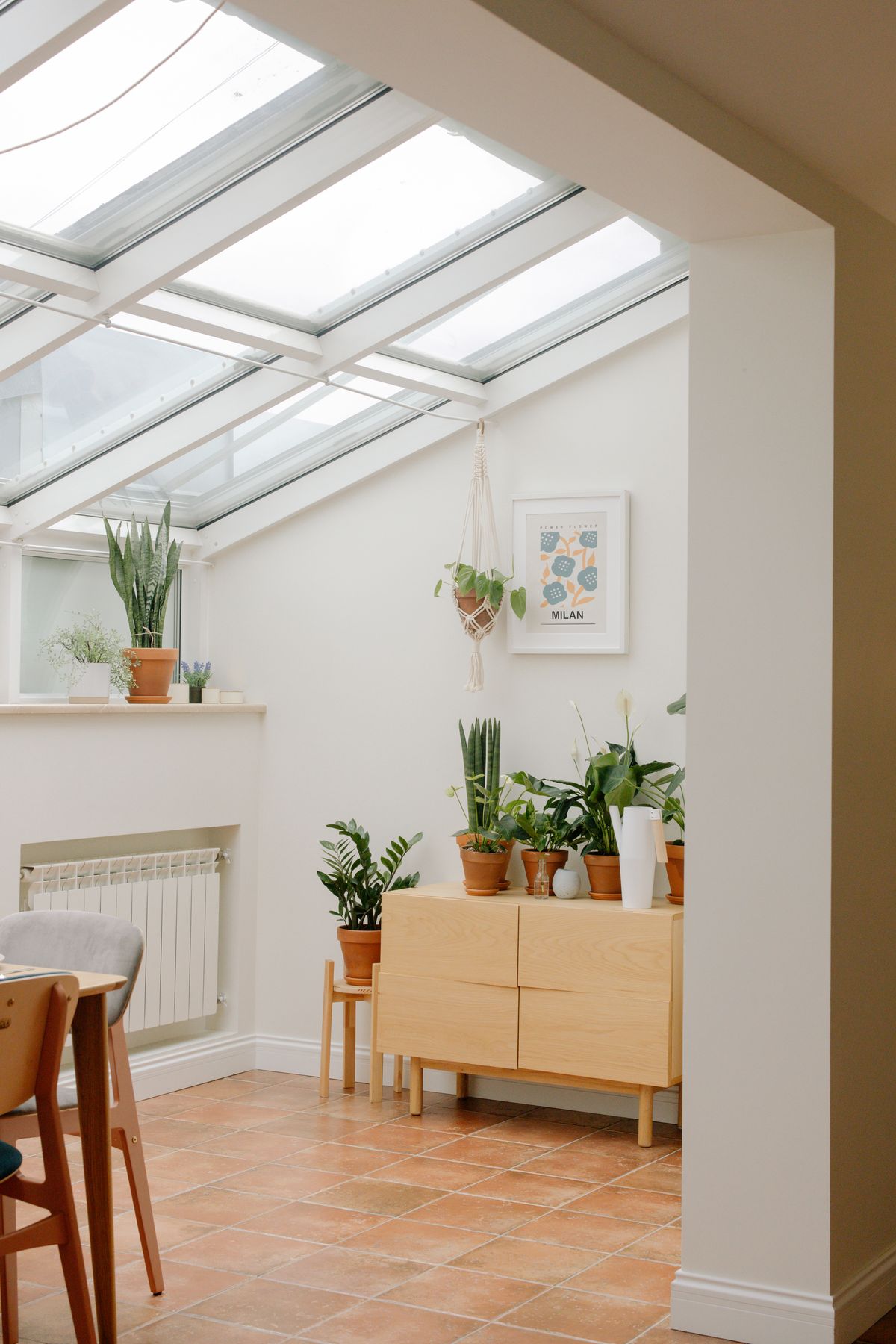
section-01-outer-04
800 × 1000 px
Placeholder image for section 01
section-01-inner-01
800 × 1000 px
Placeholder image for section 01
section-01-inner-02
800 × 800 px
Placeholder image for section 01
section-01-inner-03
800 × 1000 px
Placeholder image for section 01
section-01-inner-04
1000 × 800 px
Placeholder image for section 01
Placeholder main image for section 01 Placeholder main image for section 01 Placeholder main image for section 01
section-01-main
1200 × 1500 px

画像、短い言葉、余白の重なりで、伝えたい内容を自然に整理できます。

画像枚数を保ったまま差し替えれば、幅広い用途の紹介エリアとして使用できます。

Section 02

Content gallery area

用途に合わせた内容を、選択式のビジュアルギャラリーとして見せられるセクションです。

section-02-main
1000 × 1000 px
Placeholder image for section 02
01 / Sample Sample Content 01 このエリアには、用途に合わせた短い説明文を配置できます。

Section 03

List content area

複数の情報を、罫線を活かしたリスト形式で整理できるセクションです。

01 / Content

余白で伝える第一印象。

このエリアには、紹介文や補足情報など、用途に合わせたテキストを配置できます。

02 / Content

言葉を絞り、内容を整える。

項目ごとに文章を差し替えれば、幅広い情報を同じデザインで展開できます。

03 / Content

次の行動へ、自然につなげる。

閲覧者が必要な情報を順番に確認できるよう、段階的な構成にできます。

Information

サンプル情報タイトル 01

サンプル情報タイトル 02

サンプル情報タイトル 03

サンプル情報タイトル 04

サンプル情報タイトル 05

section-05-image
900 × 1200 px
Placeholder image for section 05

Brand Name

コンテンツエリア

01
このエリアには、概要文を短く配置できます。
02
メインメッセージを補足する情報を追加できます。
03
沿革、特徴、補足項目などを自由に編集できます。
04
文字量を整えると、レイアウトのバランスを保てます。
05
このサンプル文は、用途に合わせて差し替えてください。
06
表記をそろえることで、見やすいセクションになります。